OPTION 1
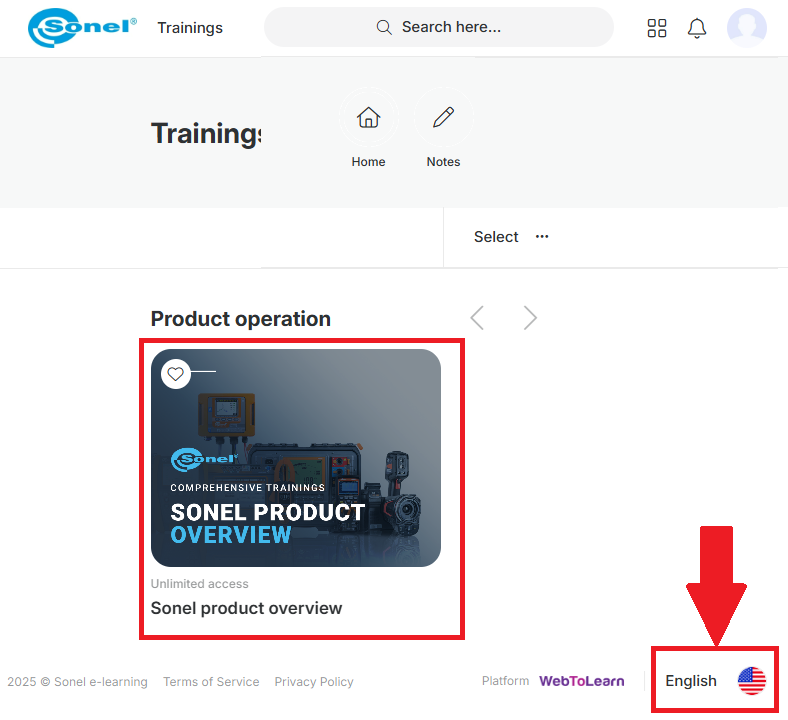
Login to Sonel training platform, www.elearning.sonel.com and view your trainings.
If the training courses are not visible, please ensure that the selected language is English (the language selection is in the lower right corner of the page).
OPTION 2
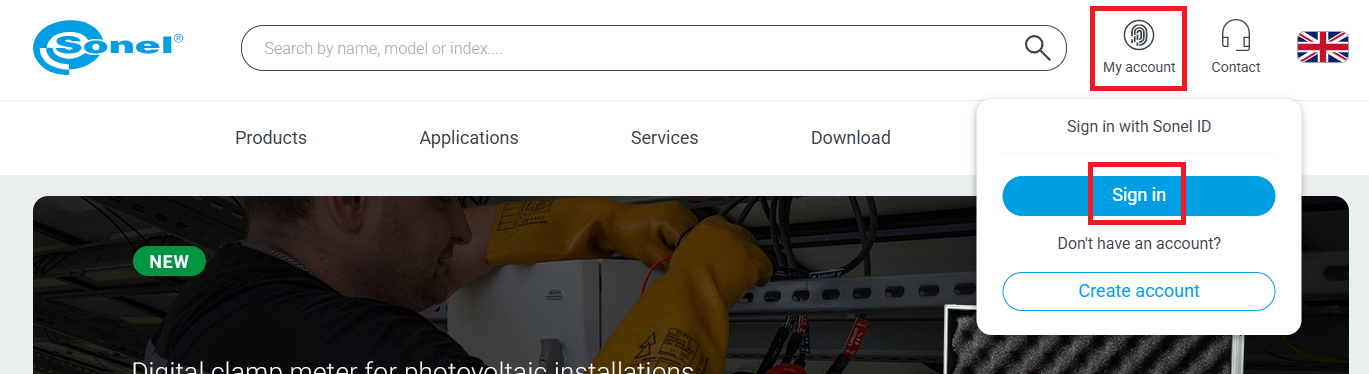
- Go to Sonel website sonel.com
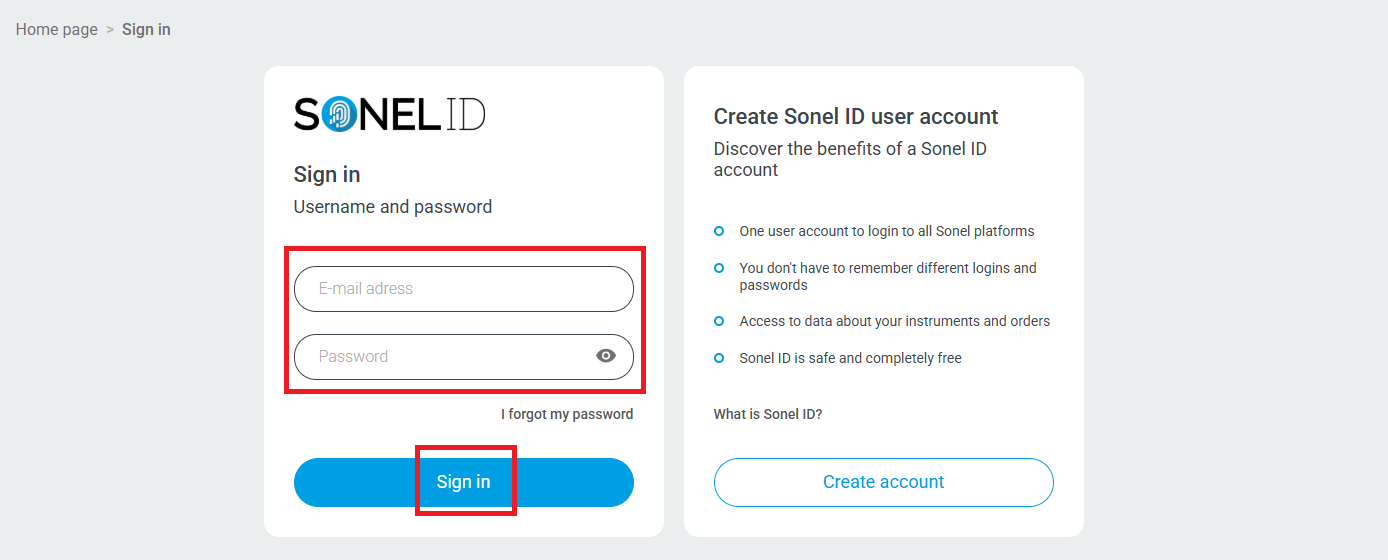
- Sign in to your account.
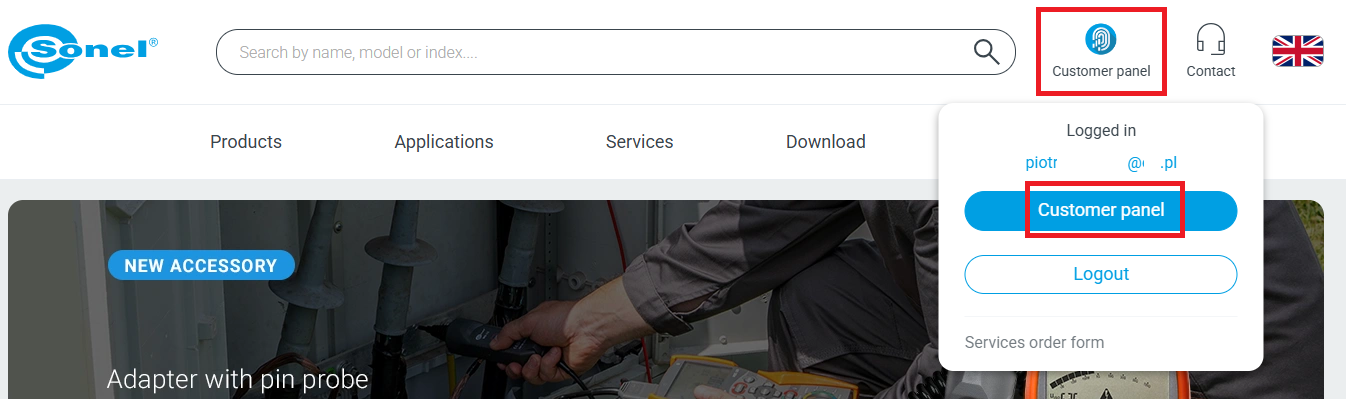
- Go to customer panel.
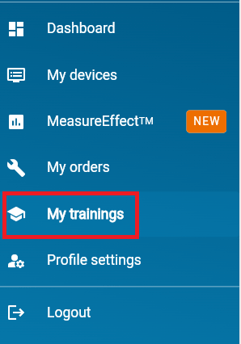
- On the Customer Panel go to My trainings (on the menu on the left).
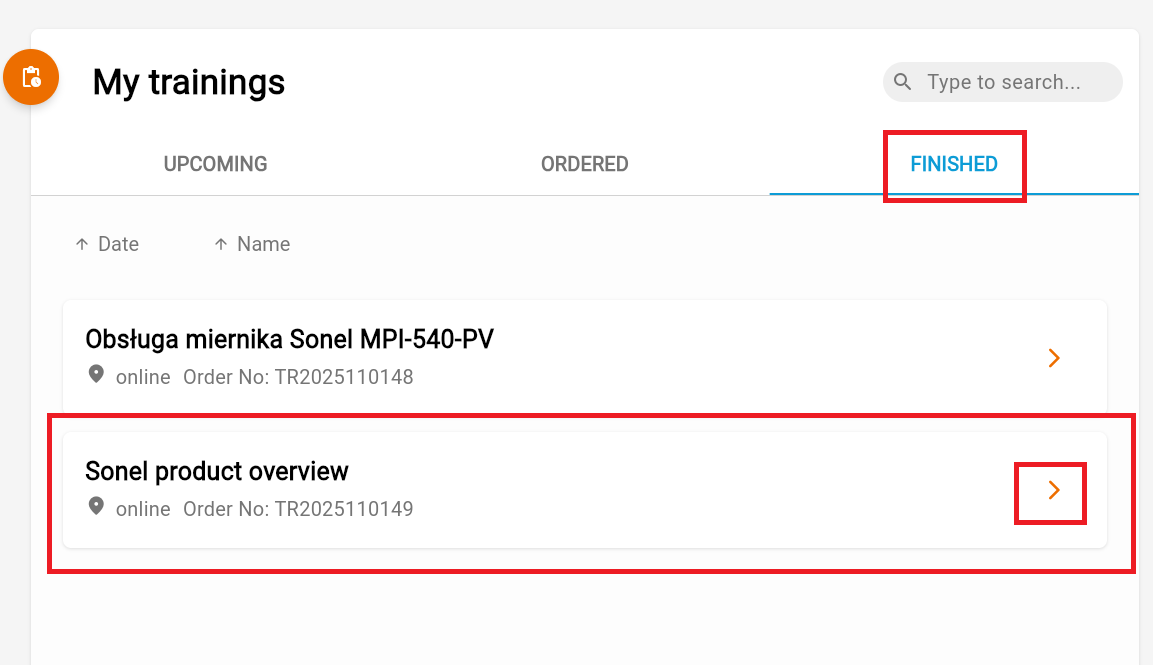
- Select the desired training from the list of FINISHED trainings.
- Training description site opens. Scroll to the bottom of the description and press the “Go to training” button.
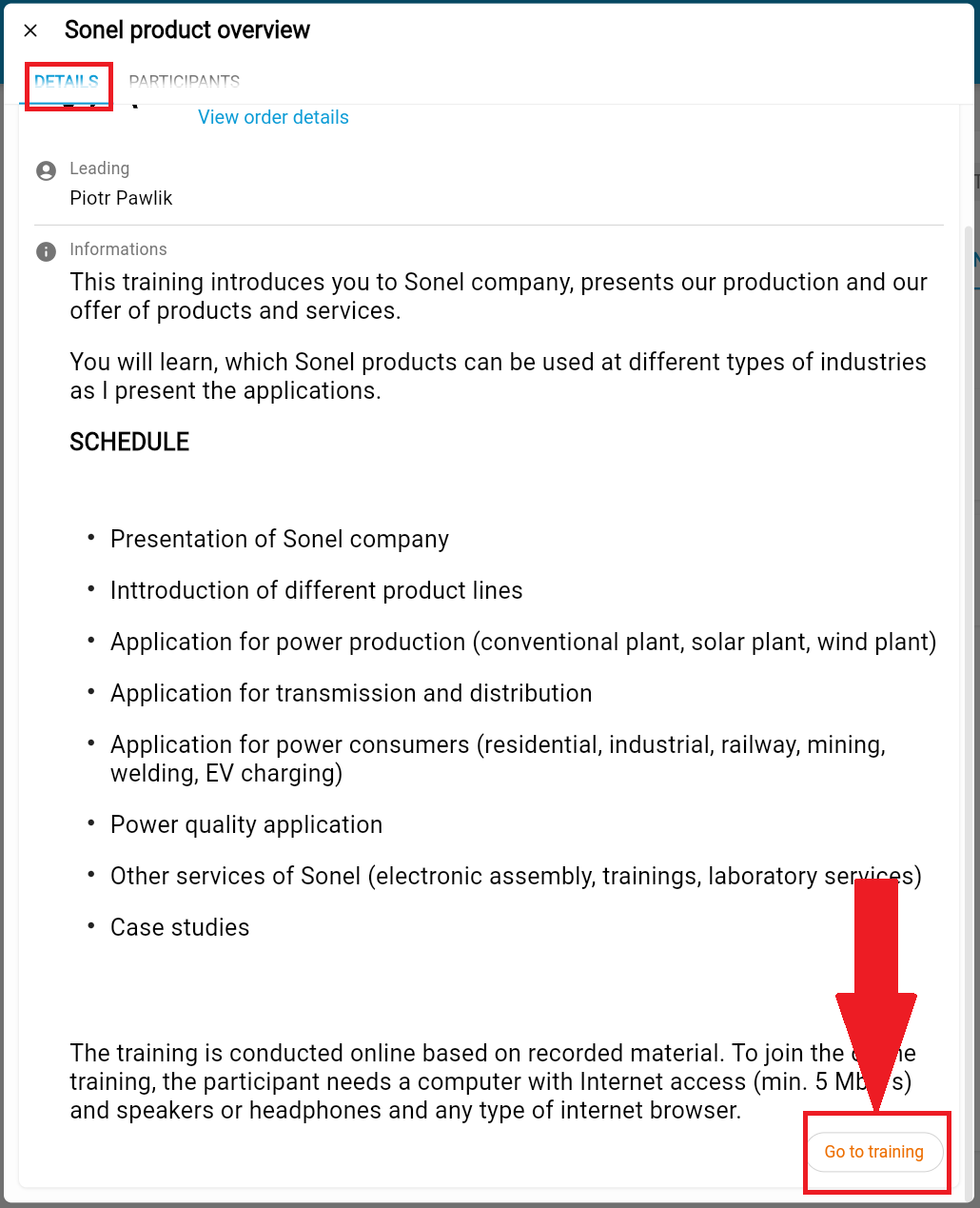
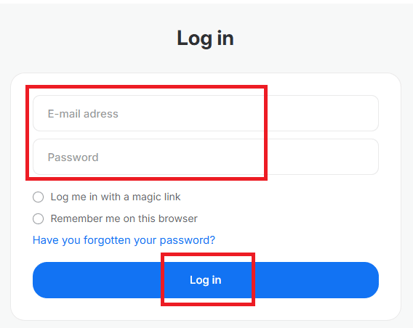
- Sonel training platform will open, eleraning.sonel.com. Log in using the participant's email address.
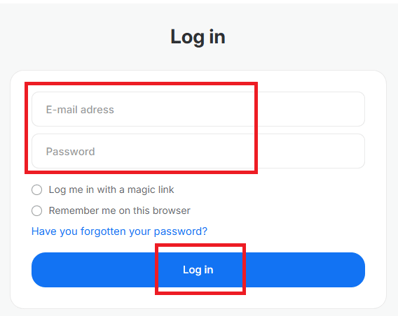
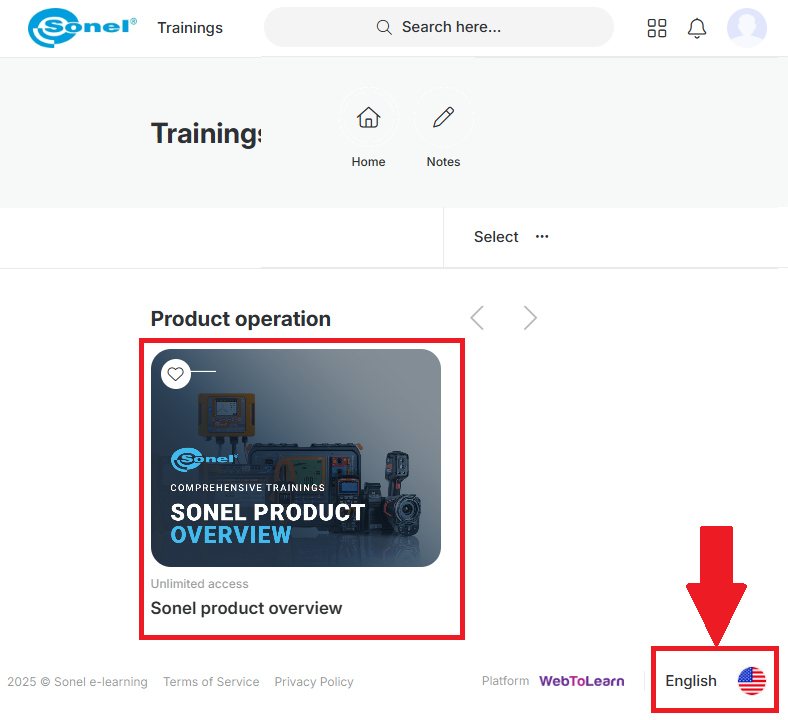
- After logging in to the Sonel training platform, the selected training will appear.
If the participant has registered for more than one training, all selected training courses will be visible here.
If the training courses are not visible, please ensure that the selected language is English (the language selection is in the lower right corner of the page).