- Go to Sonel website www.sonel.com.
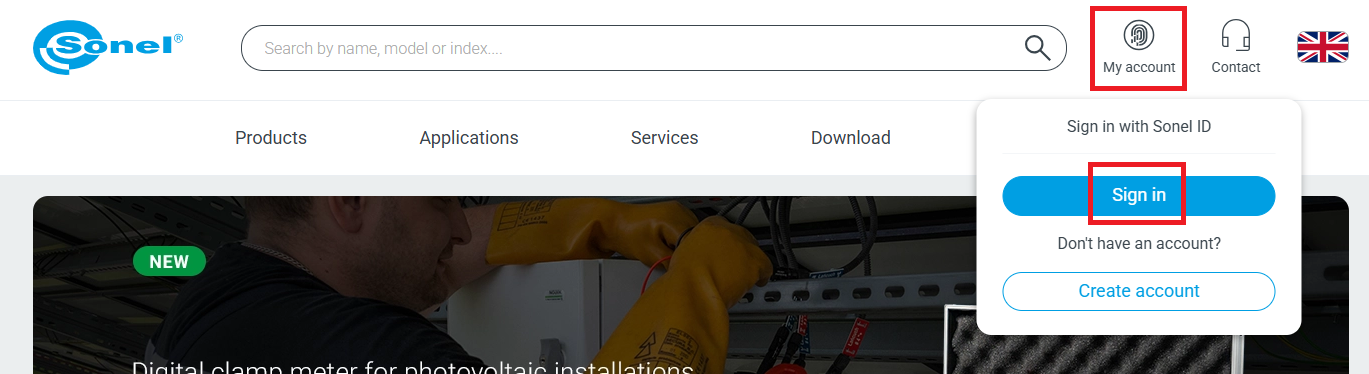
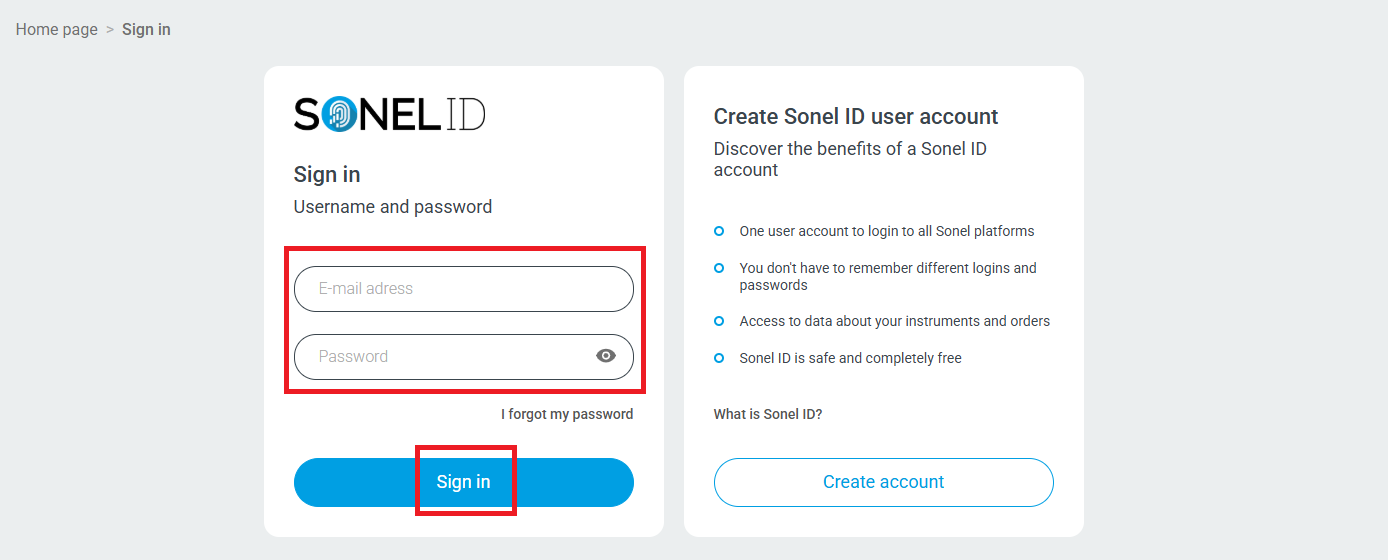
- Sign in to your account.
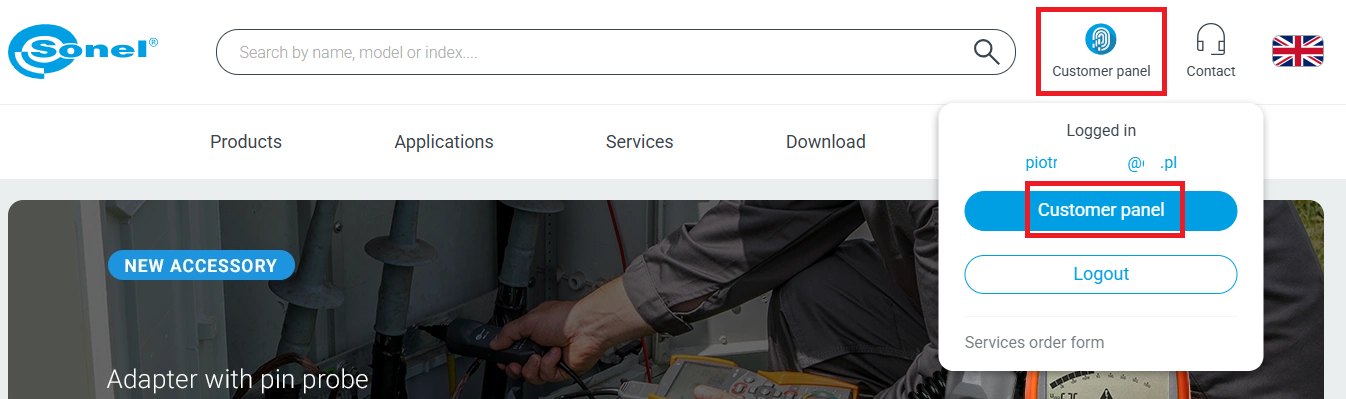
- Go to customer panel.
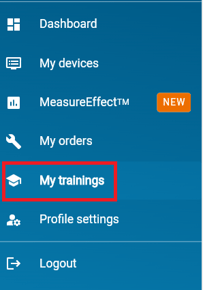
- On the Customer Panel go to My trainings (on the menu on the left).
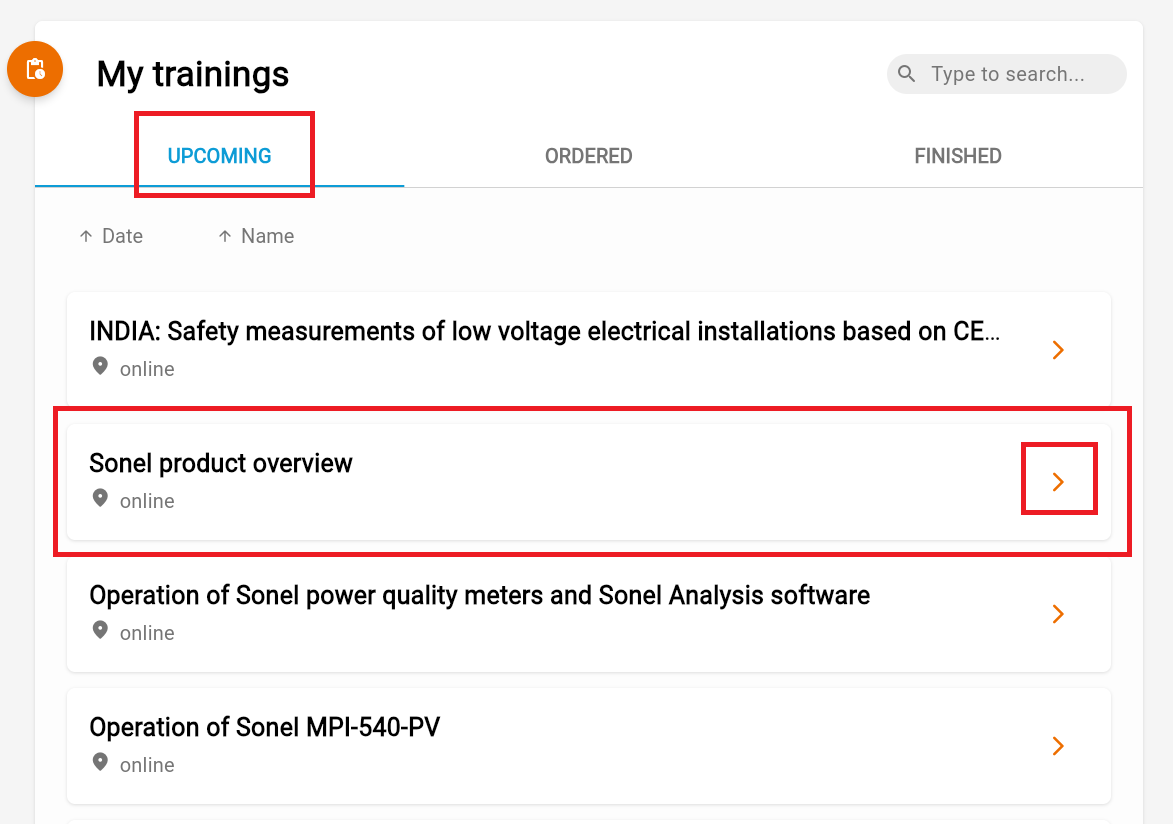
- Select the desired training from the list of UPCOMING trainings.
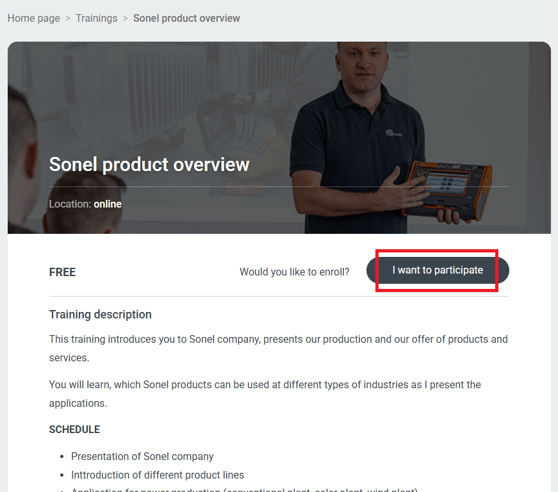
- Training description site opens. Press “I want to participate button”.
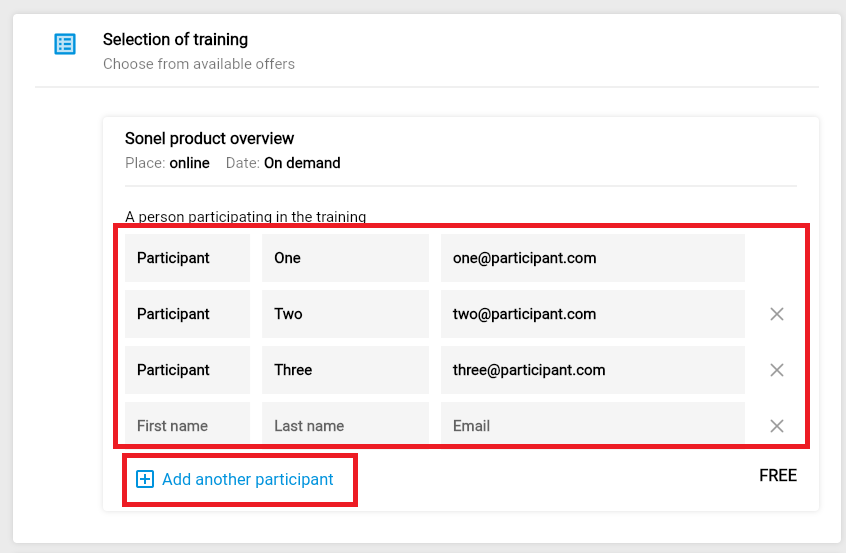
- Training sign up form opens.
- Enter the names of participants. You can enter multiple participants on a single form.
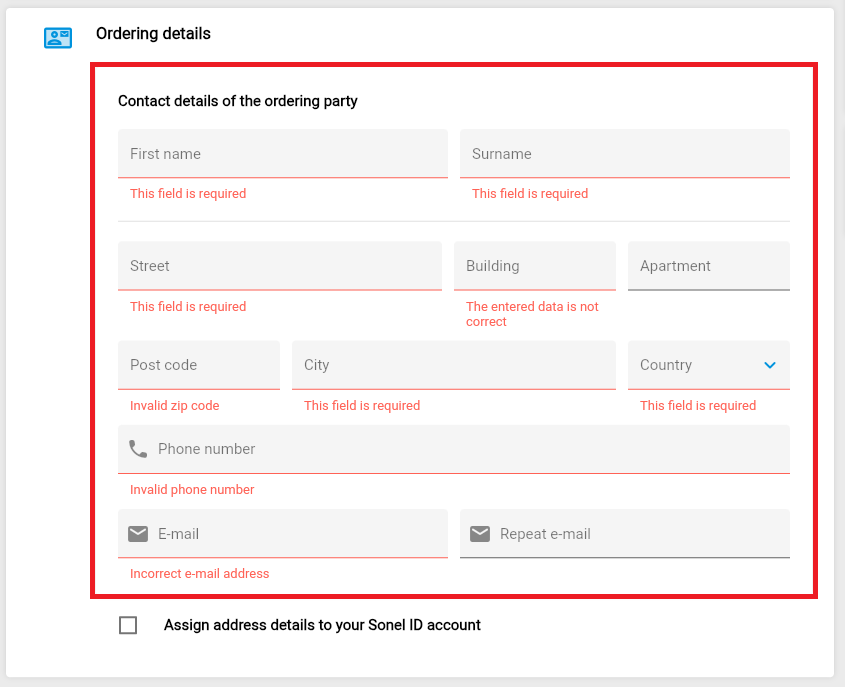
- Enter the details of the ordering party.
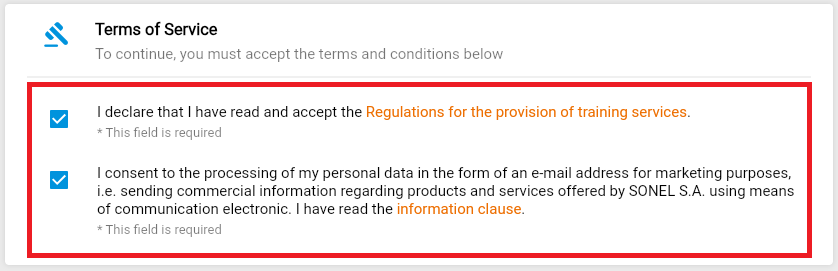
- Accept the terms and conditions by checking the boxes.
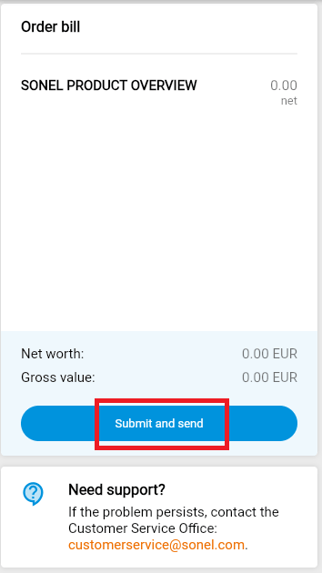
- Press “Submit and send” button.
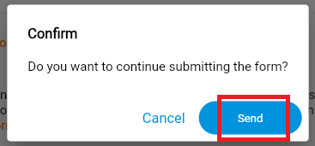
- Confirm your order.
- The ordering party will receive a message to the previously provided email address with training order registration.
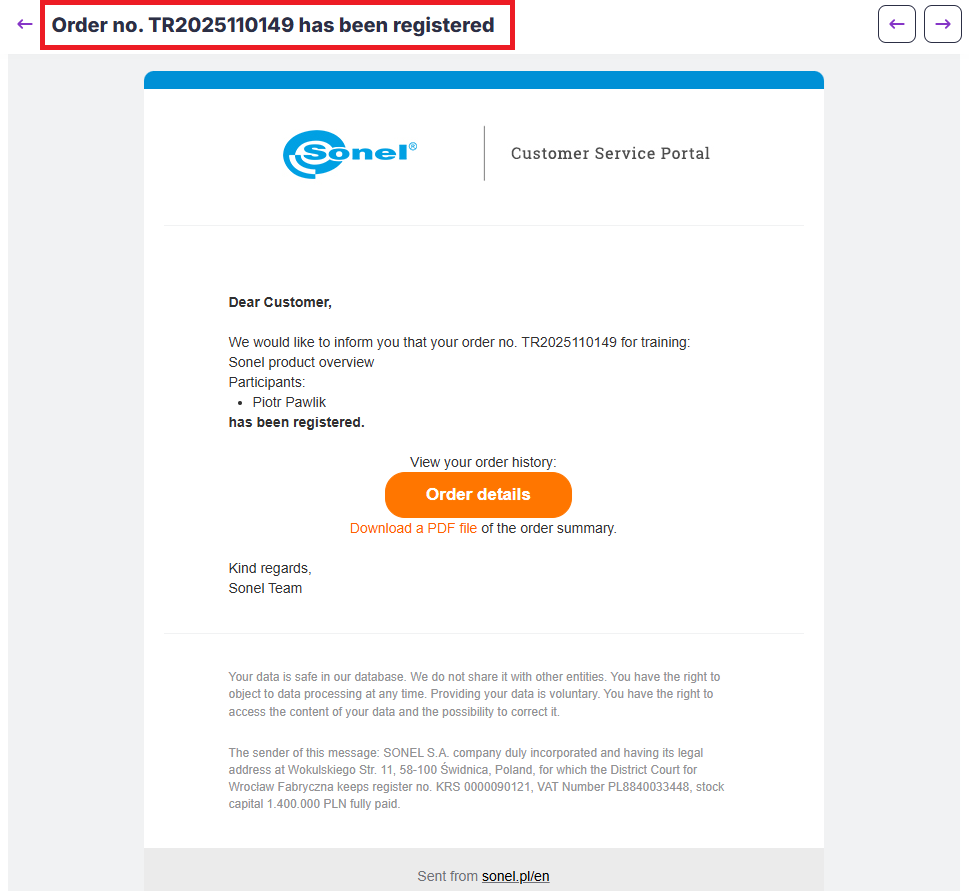
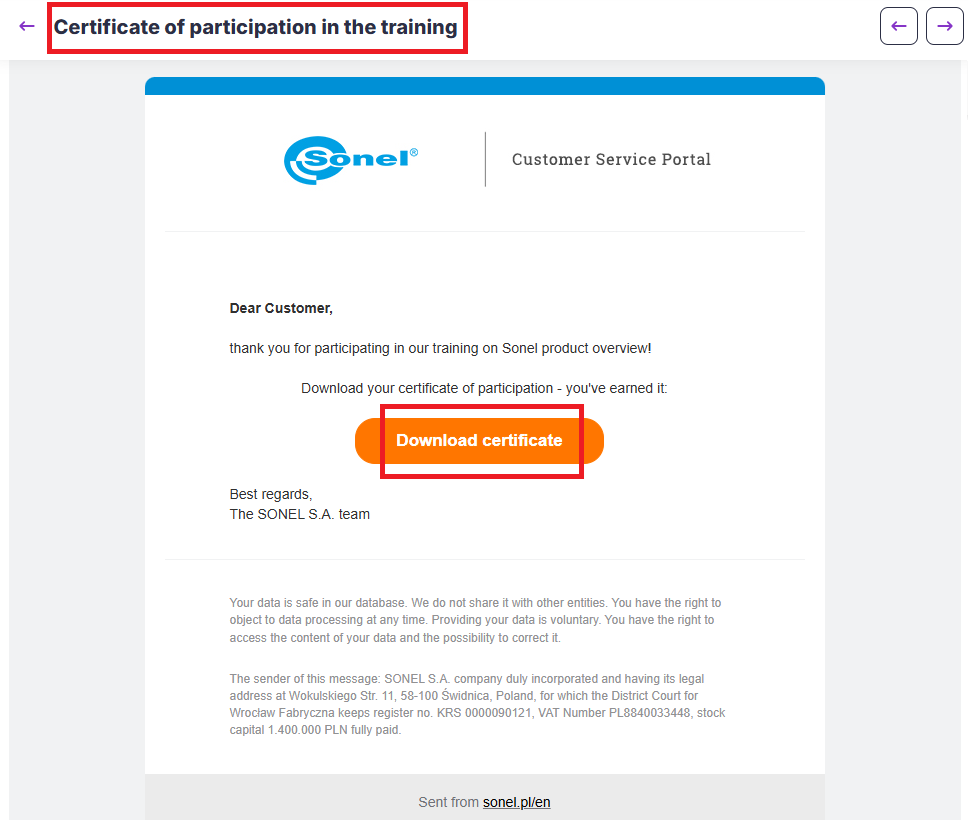
- Each participant will receive an individual email with a training certificate and a separate email with access to the selected training at the previously provided email address.
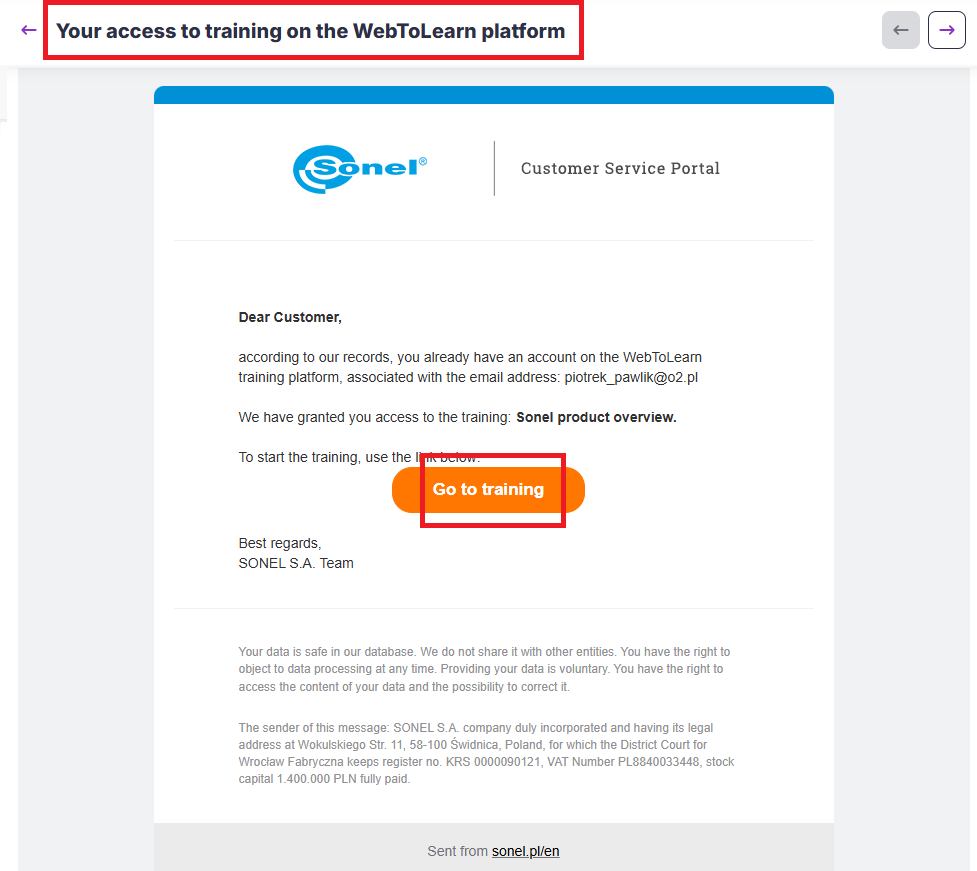
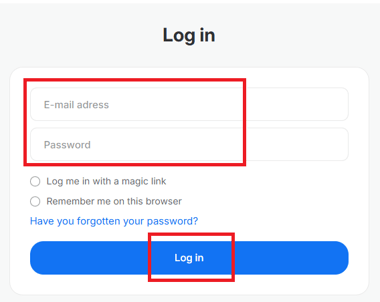
- After clicking the training access link, Sonel training platform will open, eleraning.sonel.com. Log in using the participant's email address.
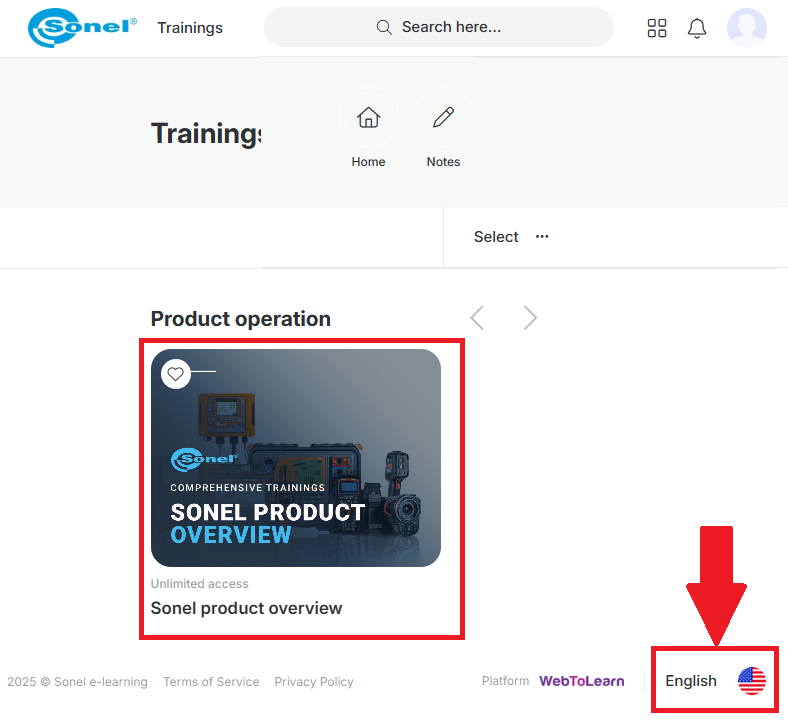
- After logging in to the Sonel training platform, the selected training will appear.
If the participant has registered for more than one training, all selected training courses will be visible here.
If the training courses are not visible, please ensure that the selected language is English (the language selection is in the lower right corner of the page).